 Paneshot
Compare CapturesPro
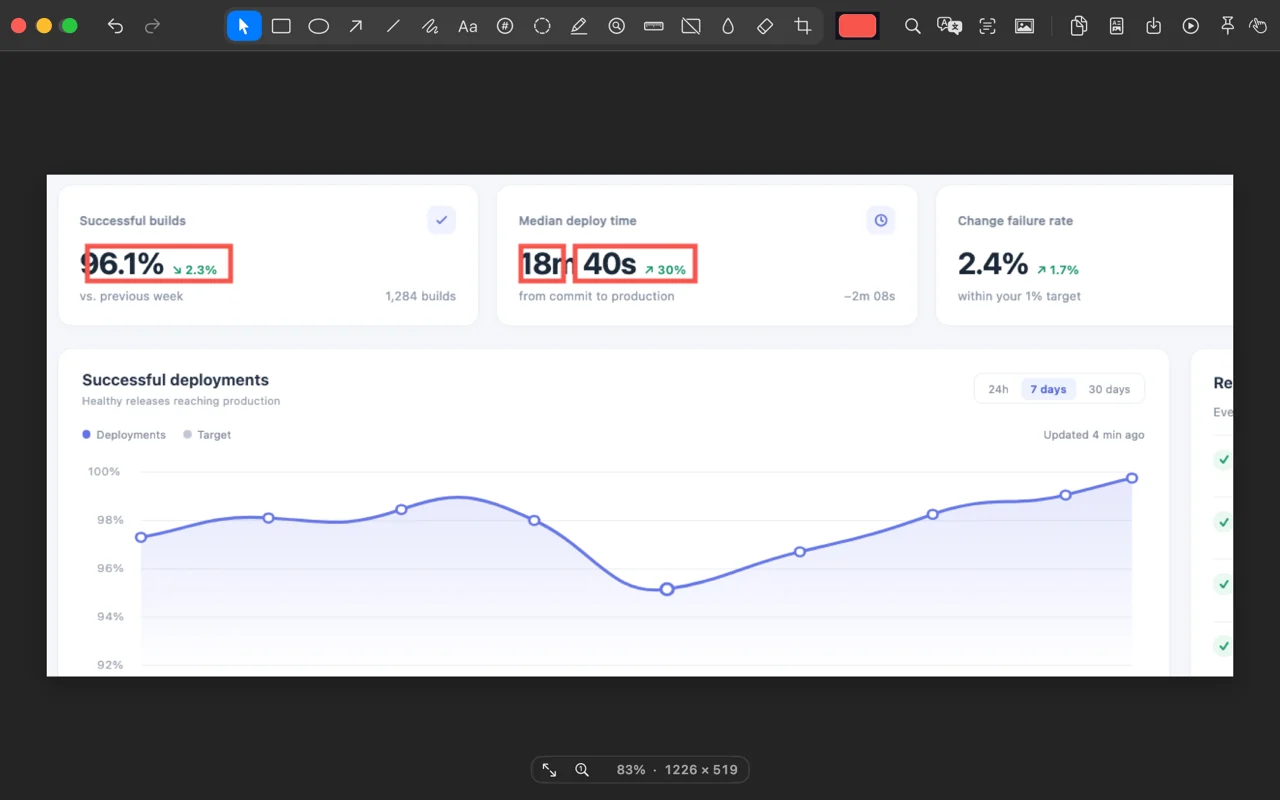
Capture the same area again. The Editor opens with an outline around every change.
Included in Pro. See Free and Pro
How to use it
- Capture an area.
- Change something on screen, such as a setting, a page or a build.
- Choose Compare Area Again. The Editor opens on the new capture with an outline around each change.
Where to find it
Compare Area Again in the menu bar menu, under Repeat Area.
Good to know
- The new capture is copied as usual.
- If nothing changed, or the area changed size, it opens as usual and says so.
- It compares pixels, so a blinking cursor or a clock counts as a change.