 Paneshot
Copy as CodePro
Copy code from a video, slide or screen share and paste it with its indentation kept.
Included in Pro. See Free and Pro
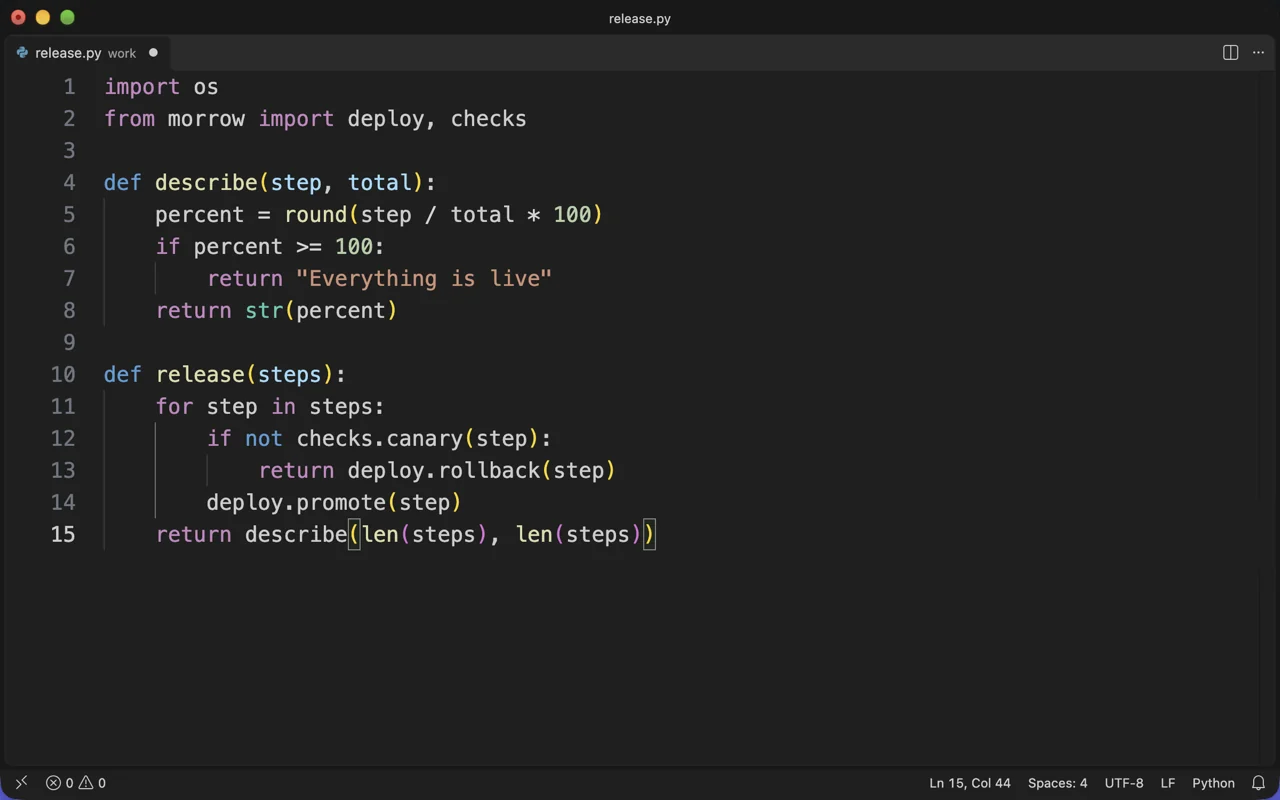
How to use it
- Choose Copy Code from Area.
- Select the code on screen: a video, a slide, a screen share or a terminal.
- Paste it into your editor. Indentation and empty lines are kept, and editor line numbers are left out.
Where to find it
Copy Code from Area in the menu bar menu.
Good to know
- It works best with code in a monospaced font. Symbols such as
l,1and|can be misread, so check the code before you run it. - The area is read on your Mac and isn’t kept as a capture.
Related tools
- Text recognitionCopy the text in a capture, read a QR code, or mask a payment-card number.
- Copy as TableProSelect a table on screen and paste it into a spreadsheet with its rows and columns intact.
- Translate CaptureProNewTranslate the text in a capture, in place and on your Mac. Every translation stays editable.