 Paneshot
Copy as TablePro
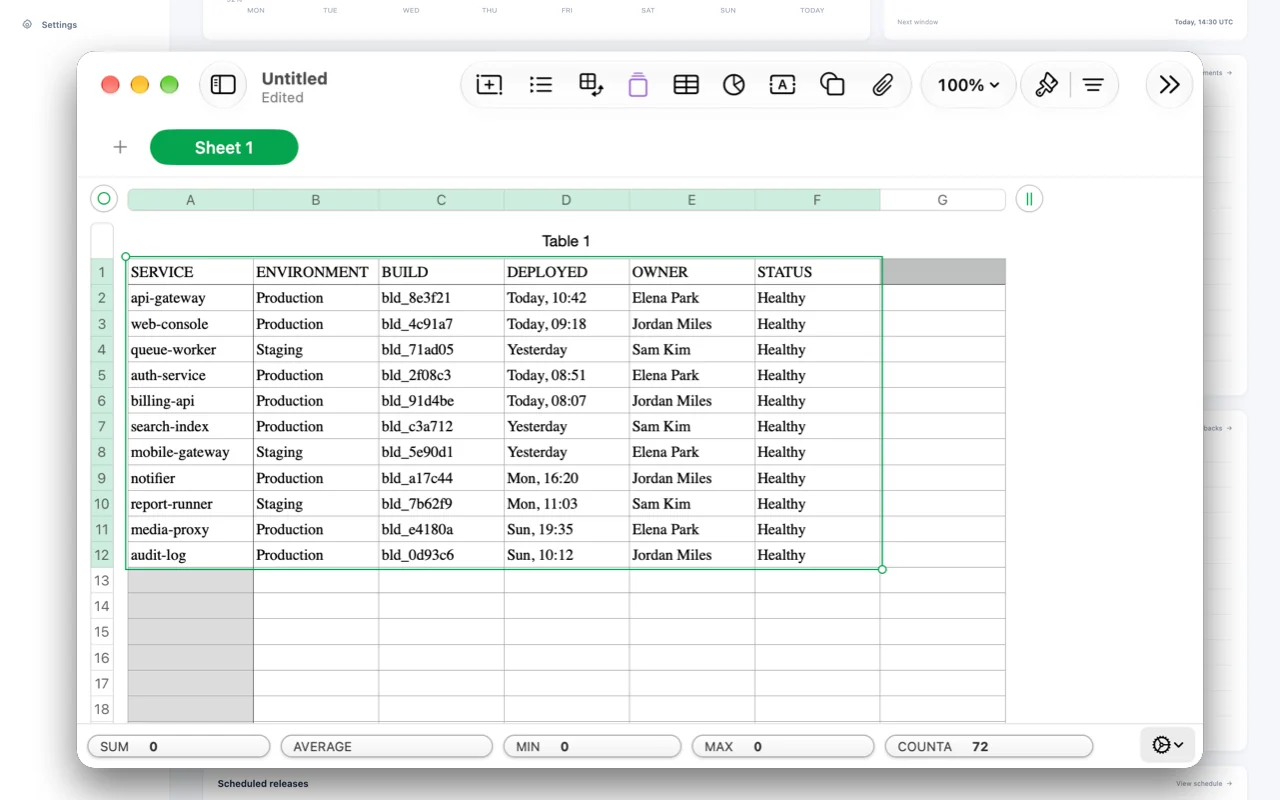
Select a table on screen and paste it into a spreadsheet with its rows and columns intact.
Included in Pro. See Free and Pro
How to use it
- Choose Copy Table from Area.
- Select the table on screen.
- Paste into Numbers, Excel or Google Sheets for cells, or into Notes or Mail for a table.
Where to find it
Copy Table from Area in the menu bar menu.
Good to know
- The area is read on your Mac and isn’t kept as a capture.
- Wrapped cells can become extra rows, so check the table before you rely on it.
Related tools
- Text recognitionCopy the text in a capture, read a QR code, or mask a payment-card number.
- Copy as CodeProCopy code from a video, slide or screen share and paste it with its indentation kept.
- Translate CaptureProNewTranslate the text in a capture, in place and on your Mac. Every translation stays editable.