 Paneshot
Translate CapturePro
Translate the text in a capture, in place and on your Mac. Every translation stays editable.
Included in Pro. See Free and Pro
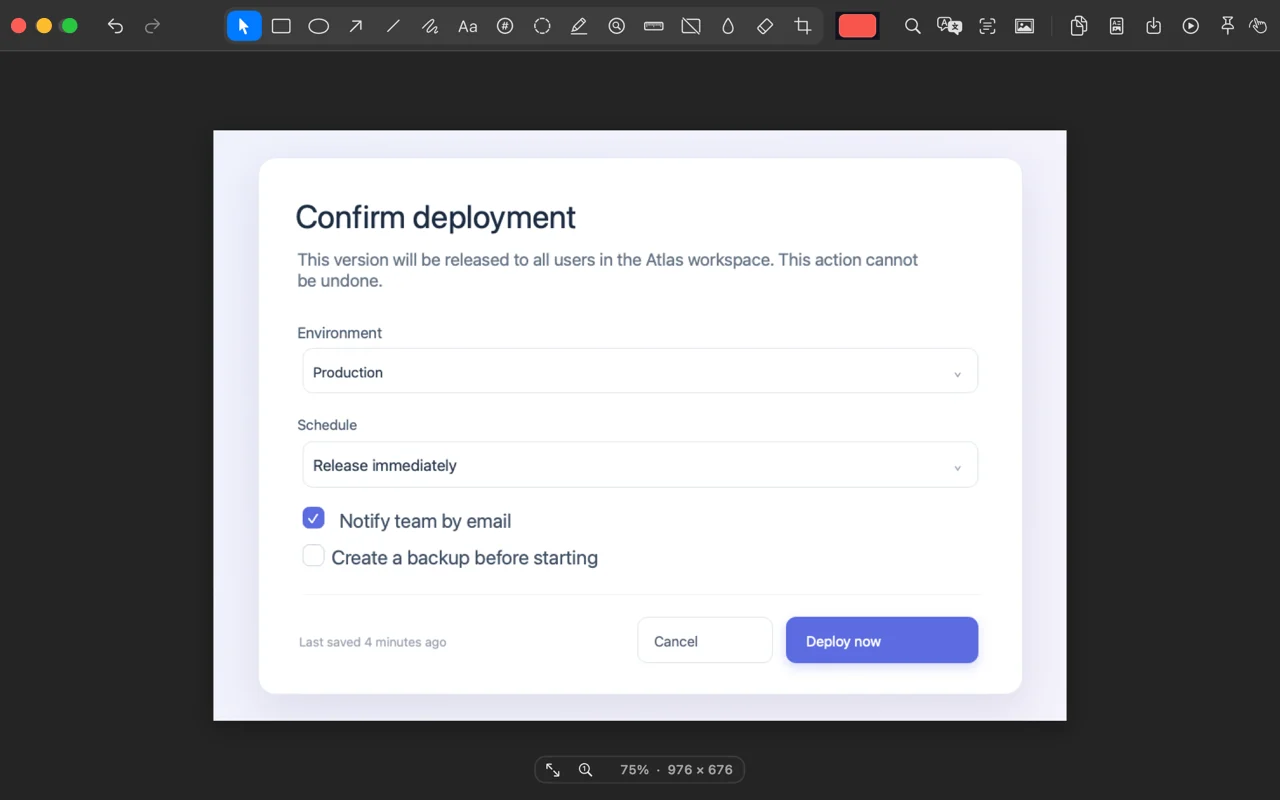
How to use it
- Open a capture in the Editor and click Translate.
- Pick a target language. Paneshot reads the text on your Mac, translates it and writes each translation over the original in a matching colour.
- Each translation is its own mark. Move it, delete it, or undo them all at once. Copy Translation puts the translated text on the clipboard.
Where to find it
Translate in the Editor toolbar.
Good to know
- macOS translates the text on your Mac. Paneshot never receives it.
- It needs macOS 15 or later. The first time you use a language, macOS may ask you to download it.
- Paneshot erases the original text under each translation. Translations stay editable until you copy or save the image.