 Paneshot
Handoff Board
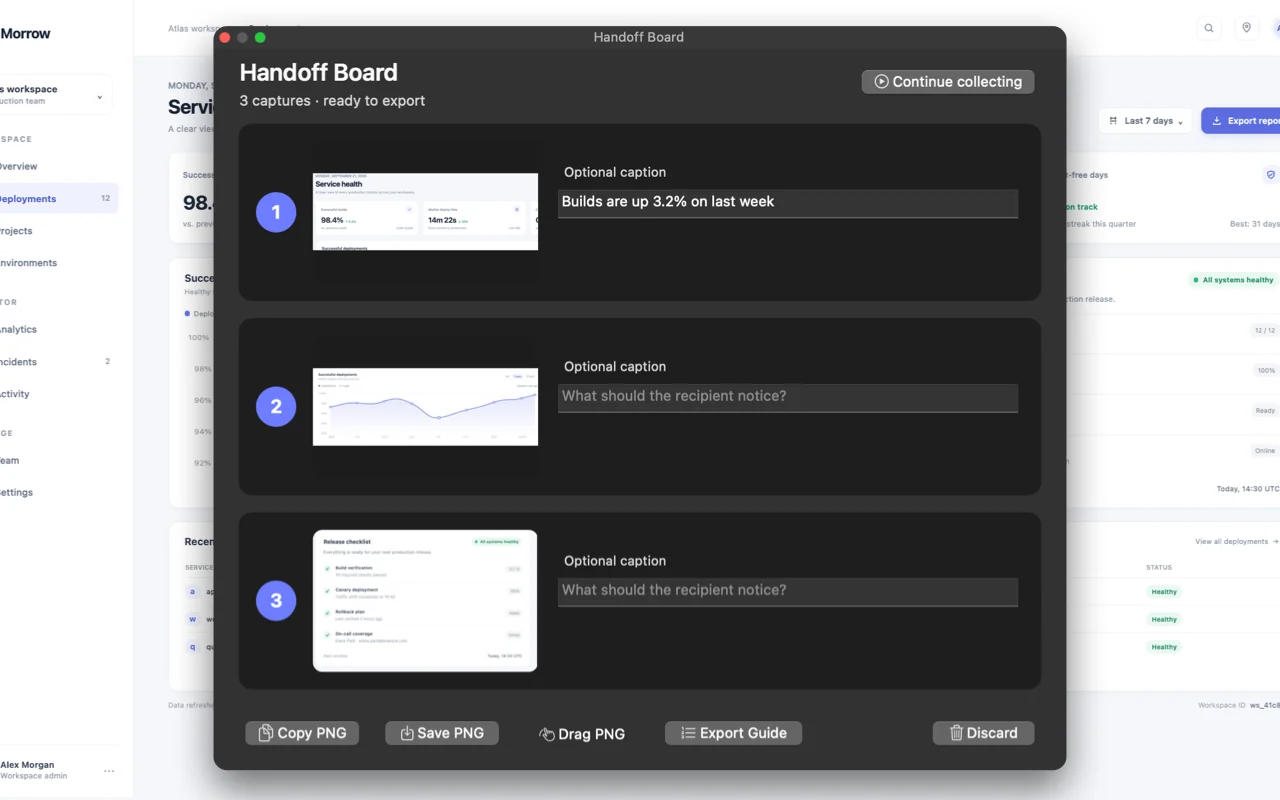
Arrange 2 to 6 captures into one image, then copy, save or drag it.
Included in Free. See Free and Pro
How to use it
- Choose Start Handoff Board.
- Take 2 to 6 captures. Each becomes a numbered card, and you can add a short caption.
- Copy, save or drag the board as one image.
Where to find it
Start Handoff Board in the menu bar menu.
Good to know
- Boards stay in memory and are gone when Paneshot quits.
- With Pro, Export Guide turns a board into a step-by-step guide.