 Paneshot
Step-by-step GuidesPro
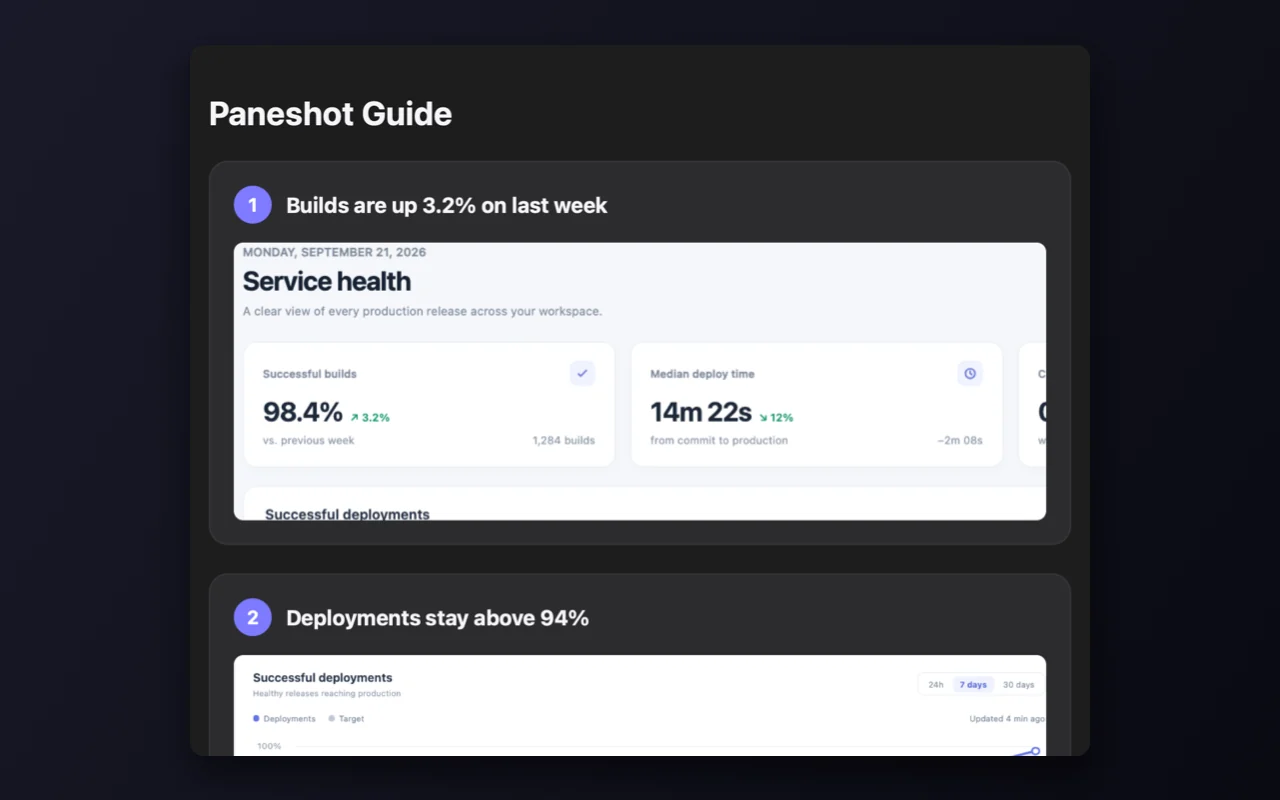
Save a Handoff Board as a PDF or web page. Each capture becomes a numbered step.
Included in Pro. See Free and Pro
How to use it
- Start a Handoff Board and capture each step, with a caption.
- Choose Export Guide, then PDF document or Web page (HTML).
- Name the file. The name becomes the guide’s title.
Where to find it
Export Guide on the Handoff Board.
Good to know
- PDFs use A4, or US Letter on a Mac set to US measurements.
- The web page is one file with its pictures inside, and it follows light and dark mode.