 Paneshot
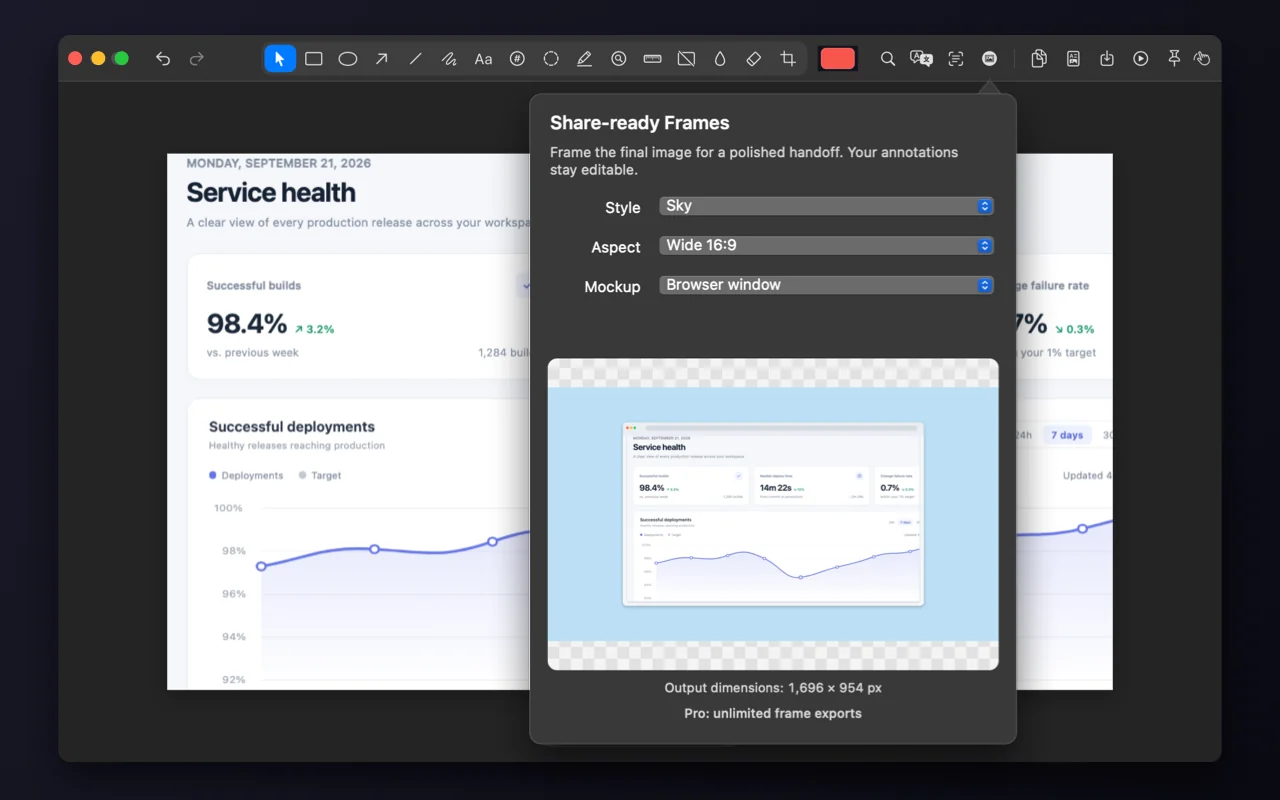
Share-ready Frames
Add a background, padding and a Mac, browser or phone frame.
Included in Free. See Free and Pro
How to use it
- Choose Share-ready Frames in the Editor.
- Pick a background: Paper, Slate, Sky, Ink, Transparent, a colour or a gradient.
- Add a Mac, browser or phone frame and a size such as Square or Wide 16:9, then copy or save.
Where to find it
Share-ready Frames in the Editor’s toolbar.
Good to know
- Choose None to remove the frame.
- Free includes 5 framed exports a month. Pro has no limit.