 Paneshot
Blur and redact
Hide emails, names and numbers before you share.
Included in Free. See Free and Pro
How to use it
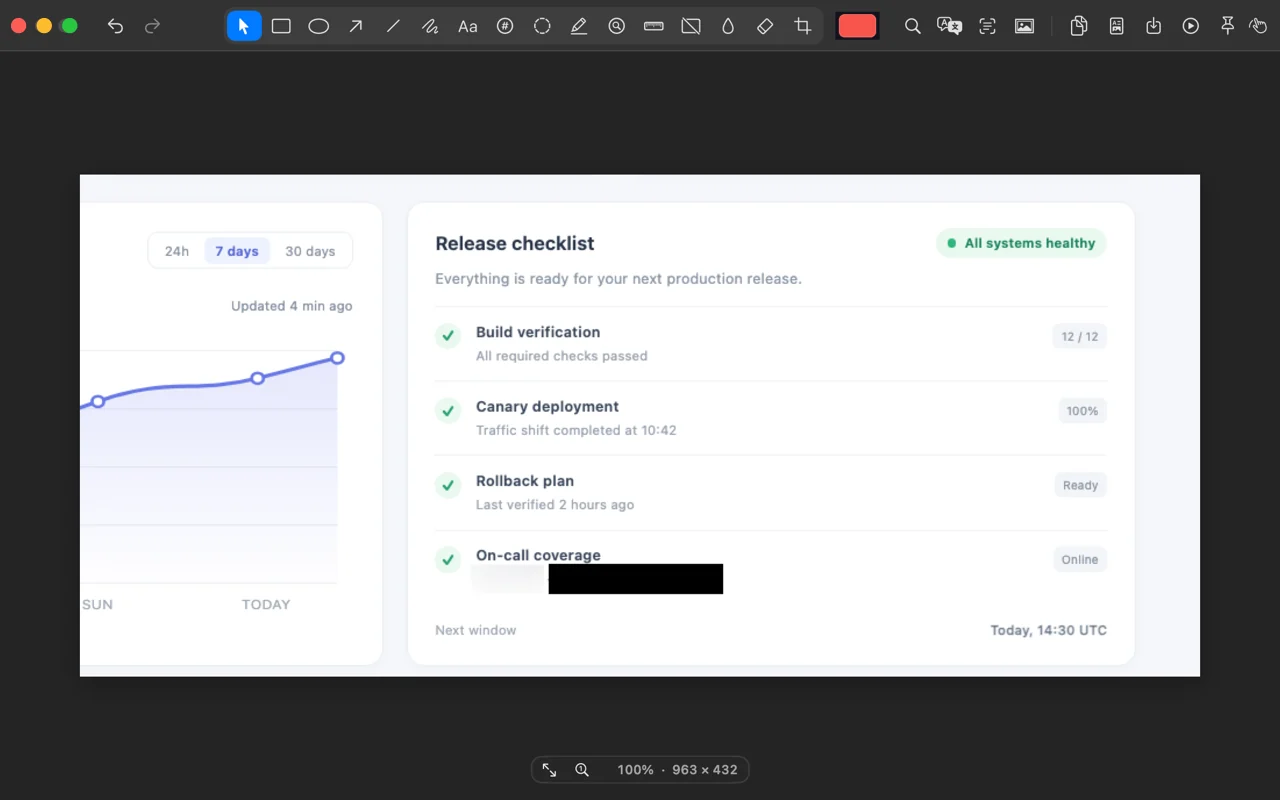
- Choose Redact or Blur in the Editor.
- Drag over the email, name or number you want to hide.
- Copy, save or drag the image. The hidden part is flattened into it.
Where to find it
Redact and Blur in the Editor’s toolbar.
Good to know
- Redact covers with a solid block. For anything sensitive, use Redact rather than Blur.
Related tools
- Smart EraseProNewDrag over a name, label or notification and it is gone. The background fills the gap. No black box, no blur.
- Private HandoffPaneshot suggests what to hide. You approve each redaction before anything is copied. Detection is not exhaustive.
- Auto RedactProBlack out personal details, keys and tokens in every capture before it reaches the clipboard. Faces too, if you turn that on.